
How to Improve Microsoft 365 and Google Workspace Security | GoCo
Secure IT with the right Microsoft 365 and Google Workspace protections. Strengthen IT security and reduce risk today 🔒🚀 Learn more.
Most businesses believe they are protected because they use Microsoft 365 or Google Workspace. The reality is that simply using these platforms does not automatically provide security for your business or make your environment secure.
Here is the challenge: cybercriminals know that Microsoft 365 and Google Workspace are the backbone of modern business operations. Email, files, collaboration tools, and sensitive company data all live inside these platforms. A single compromised account can quickly become a business-wide security incident.
The good news? Improving security across these environments does not have to be complicated. By focusing on the right controls, businesses can significantly reduce risk and create a more resilient technology environment.
Why Cloud Platforms Need Additional Security
Microsoft 365 and Google Workspace provide powerful built-in security features, but many organizations never fully configure them. Default settings are often designed for convenience, not maximum protection.
As a result, businesses commonly face risks such as:
- Phishing attacks targeting employee accounts
- Weak or reused passwords
- Unauthorized access from compromised devices
- Accidental data sharing
- Misconfigured permissions and access controls
To truly secure I.T. infrastructure, organizations need a proactive security strategy that goes beyond default configurations.
H2:Enable Multi-Factor Authentication Everywhere
If there is one security measure every business should implement immediately, it is Multi-Factor Authentication (MFA).
MFA requires users to verify their identity using an additional factor beyond a password, such as an authentication app or security key.
Benefits include:
- Reduced risk of account compromise
- Protection against stolen credentials
- Stronger access control for remote workers
Even if a password is exposed, MFA creates an additional barrier that attackers must overcome.
Strengthen Identity and Access Management
Not every employee needs access to every system.
A core principle of modern I.T. security is least-privilege access. Users should only have the permissions required to perform their roles.
Best practices include:
- Regularly reviewing user permissions
- Removing inactive accounts immediately
- Limiting administrator privileges
- Creating role-based access controls
Proper identity management reduces the potential impact of both external attacks and internal mistakes.
Protect Email Against Advanced Threats
Email remains one of the most common entry points for cyberattacks.
Microsoft 365 and Google Workspace offer security tools that help identify malicious messages, suspicious links, and dangerous attachments. These protections should be fully configured and continuously monitored.
Organizations should also:
- Implement anti-phishing policies
- Train employees to recognize suspicious emails
- Review email security reports regularly
- Block high-risk file types when appropriate
Technology is essential, but user awareness remains a critical layer of defense.
Secure Company Data and File Sharing
Collaboration is a major advantage of cloud platforms, but unrestricted sharing can create serious security risks.
Businesses should establish clear controls for:
- External file sharing
- Sensitive document access
- Data retention policies
- Backup and recovery procedures
Monitoring how information is shared helps prevent accidental exposure and supports compliance requirements.
Monitor Activity and Respond Quickly
Security is not a one-time project. Continuous monitoring is essential.
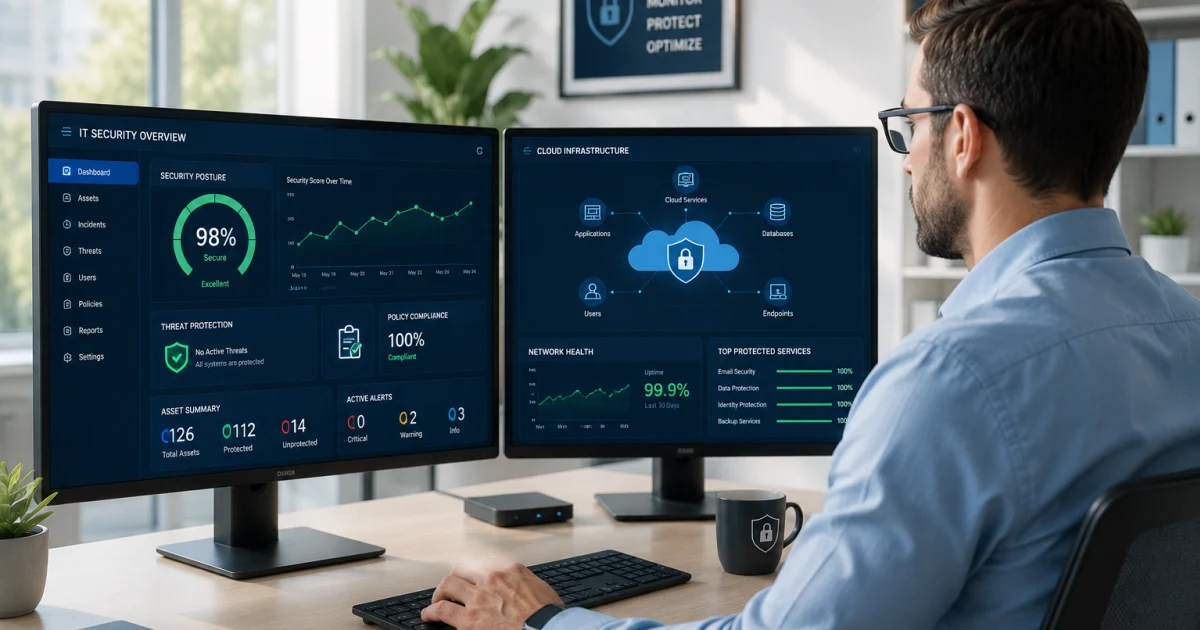
Both Microsoft 365 and Google Workspace provide activity logs and security dashboards that help identify unusual behavior, including:
- Suspicious login attempts
- Access from unexpected locations
- Unauthorized file downloads
- Privilege escalation activities
The faster threats are detected, the faster they can be contained.
The Right Way to improve your I.T. Security
Securing Microsoft 365 and Google Workspace requires more than turning on a few settings. It demands a strategic approach that combines technology, security policies, user awareness, and ongoing monitoring.
Organizations that invest in proactive I.T. security gain more than protection from cyber threats. They create a stronger foundation for growth, productivity, and business continuity.
Conclusion: At GoCo, we help businesses secure I.T. environments, strengthen security controls, and optimize technology platforms so teams can focus on growth with confidence. The right security strategy is not just about preventing problems—it's about enabling your business to operate securely and efficiently every day.
Explore our latest LinkedIn articles, where we share practical insights on Managed I.T. Services, cybersecurity, governance, operational excellence, and the strategies helping businesses reduce risk and scale with confidence.
Because better decisions start with better understanding.
Good Company I.T.
GoCo
You are in Good Company