Phishing Attacks: Ultimate Prevention Guide | GoCo
Phishing attacks and phishing scams can destroy your business 🔐 Learn how to protect your team and strengthen security today.
Phishing attacks are no longer just cleverly disguised emails from a mysterious “Nigerian prince.” They’ve evolved becoming more sophisticated and harder to detect. Plus their impacts are increasingly damaging. And worse yet it only takes one mistake to compromise an entire network. Are you confident your team can spot a phishing attempt before it’s too late?
Today’s threat landscape and the specific tactics attackers use to engage in social engineering are critical to identify. Let’s learn how businesses can strengthen their security posture to avoid falling victim.
The Psychology Behind Phishing Attacks
Phishing can take on many different faces. Malicious actors leverage several factors surrounding our human psychology to engage in social engineering. Whether in the office or remote working, phishing attacks bank on factors like:
- Employees being too busy to spot the details in a forged email
- The trust we have in reading a familiar name on an email
- The urgency that we feel to respond to a person in authority
- The hype we feel if we are receiving a benefit or having to submit information to get “perks from work”
It’s one of the most common and successful forms of security breaches because it exploits human behavior, not technology. Understanding the psychology behind these attacks is vital in recognizing and avoiding them.
So What is Phishing?
When malicious actors impersonate legitimate organizations or individuals in order to trick users into providing sensitive information, such as login credentials, credit card numbers, or access to a company's internal systems.
Why Phishing is a Major Threat to Security
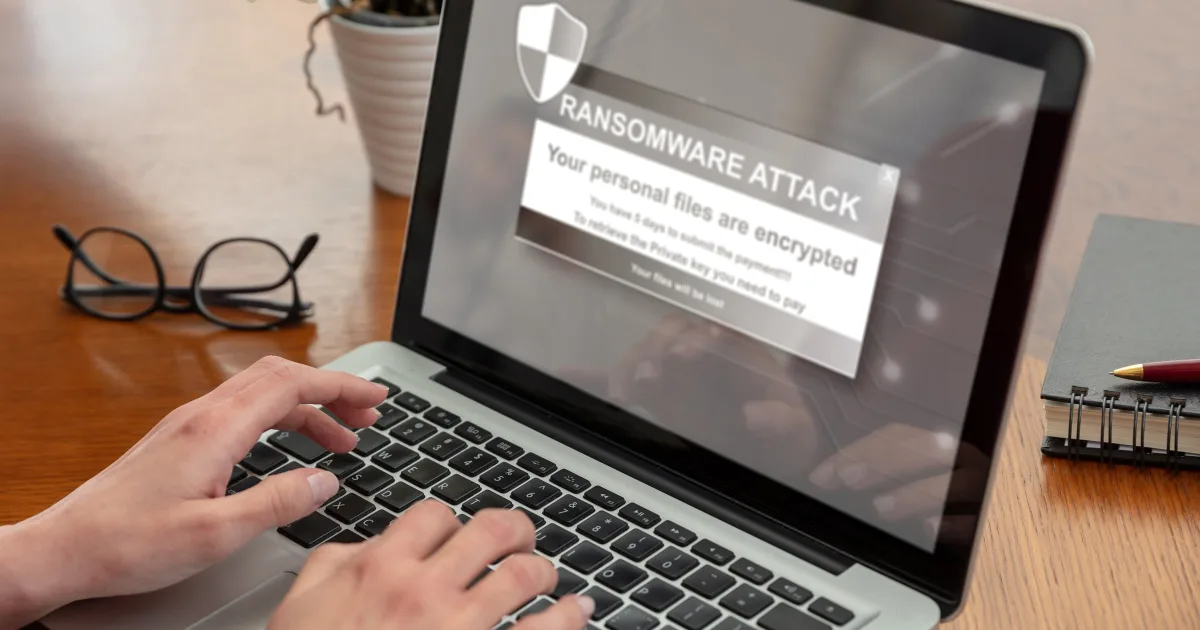
Phishing is the gateway to more serious IT Services issues like ransomware attacks, credential theft, and data breaches. According to industry research, over 90% of successful cyberattacks begin with a phishing email.
Security tools like firewalls and antivirus software can't fully protect against phishing because attackers rely on manipulating users. That’s why awareness and education are critical layers in any cybersecurity strategy.
Types of Phishing Attacks
Email Phishing
The most common method. An attacker sends an email pretending to be a trusted source—often a bank, coworker, or vendor—with a link to a malicious site.
Spear Phishing
This is a highly targeted form of phishing aimed at specific individuals or departments within an organization, often crafted using personal information.
Whaling
Aimed at high-profile executives, whaling attacks attempt to steal credentials or authorize fraudulent wire transfers by impersonating other C-level executives or board members.
Smishing & Vishing
Smishing uses SMS messages to lure victims.
Vishing uses phone calls to impersonate authority figures (like IT support or government agencies).
Clone Phishing
In this method, attackers clone a legitimate email that the victim has received and change the link or attachment to something malicious.
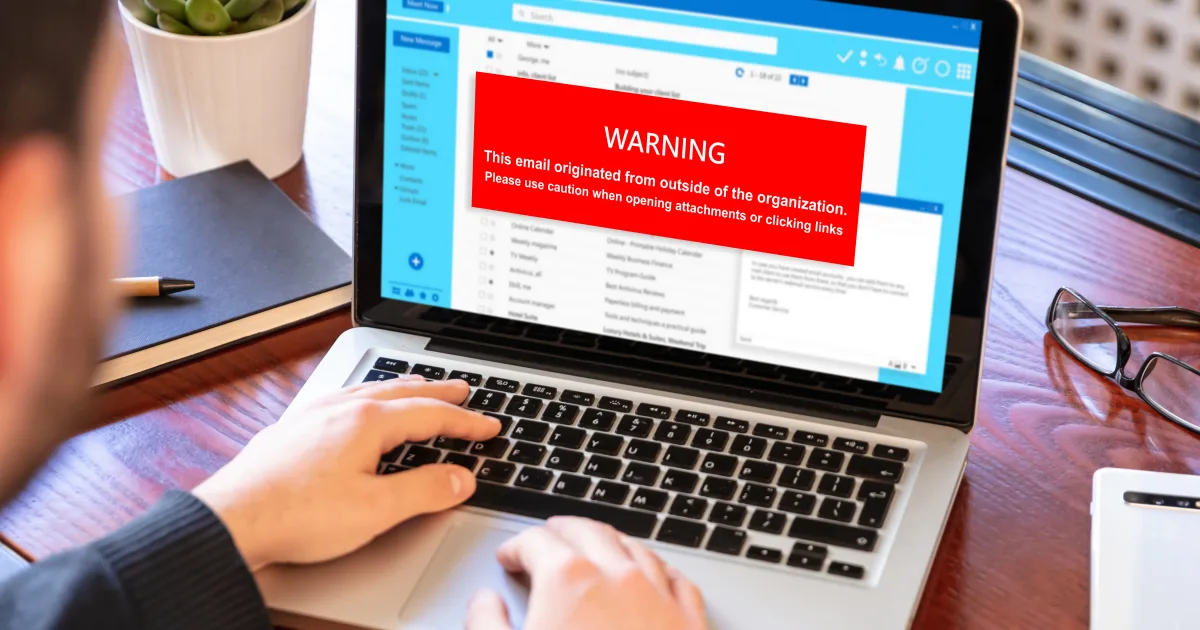
Red Flags to Spot Phishing Attempts
Unfamiliar Sender or Domain:
Emails coming from a domain that looks “almost” correct — like amaz0n.com instead of amazon.com.
Poor Spelling and Grammar:
While attackers are getting better, many phishing attempts still contain obvious grammar or spelling mistakes.
Suspicious Attachments or Links:
Never open unexpected attachments or click links in unsolicited messages. Hover over links to inspect the URL before clicking.
Requests for Sensitive Information:
Legitimate companies don’t ask for passwords or sensitive data over email or text.
Urgent or Threatening Language:
Be cautious of messages that pressure you into immediate action. That’s a classic phishing strategy.
How to Mitigate Phishing Attacks and ReduceTheir Impact
Employee Training:
Ongoing IT Services training is essential. Users should undergo periodic phishing simulations and training on recognizing suspicious content.
Multi-Factor Authentication (MFA):
MFA adds an additional layer of protection, making it significantly harder for attackers to gain access even if credentials are stolen.
Advanced Email Filtering:
Use IT tools that scan and filter out suspicious messages before they reach inboxes. This includes sandboxing attachments and blocking known malicious URLs.
Endpoint Detection and Response (EDR):
An effective security setup includes real-time monitoring of endpoints for suspicious behavior.
Role-Based Access Control (RBAC):
Limit access to sensitive systems or data based on the employee’s role. This reduces the potential damage if an account is compromised.
What to Do If You Suspect a Phishing Attack
Don’t Click or Reply:
If you suspect an email is a phishing attempt, don’t interact with it.
Report It Immediately:
Alert your internal IT Services or security team so they can investigate and, if necessary, warn other employees.
Run a Security Scan:
Ensure the affected system is scanned for malware or unauthorized access.
Change Credentials:
If there’s even a chance credentials were compromised, update passwords immediately and enable MFA.
The Cost of Ignoring Phishing Awareness
Phishing is not just an inconvenience. It’s a security risk that can result in:
- Financial loss due to fraud or wire transfers.
- Loss of customer trust.
- Regulatory penalties (especially under GDPR or HIPAA).
- Operational downtime.
Investing in user awareness and IT Services can prevent far more costly consequences.
Building a Phishing-Resistant Culture
Creating a security-first culture takes more than tools. It requires leadership buy-in and consistent messaging. Here’s how to start:
- Include phishing awareness in onboarding.
- Recognize employees who report phishing attempts.
- Conduct quarterly simulations.
- Make reporting suspicious activity easy and encouraged.
Managed IT Services for Phishing Protection
If you lack internal expertise, working with a managed IT Services provider can significantly reduce your risk. These providers offer:
- 24/7 monitoring
- Email filtering
- Employee training programs
- Incident response planning
- Ongoing compliance support
Their expertise in network security and emerging threats keeps your organization one step ahead.
Conclusion: Security Is Everyone’s Responsibility
Phishing attacks aren’t going away. If anything, they’re becoming more sophisticated. With generative AI and access to real-time personal data from social platforms, attackers can craft messages that are increasingly difficult to distinguish from legitimate communications.
But knowledge is your greatest defense.
Security awareness, combined with the right IT services, security tools, and policies, can significantly reduce your organization’s exposure to phishing attacks. The most important step? Start now. Build a culture where every employee understands their role as the first line of defense.
Need help strengthening your phishing defenses? A Managed IT Services partner can assess your current security posture and develop a protection strategy tailored to your business.
The best way to stop phishing attacks is to prepare before they happen. Let’s protect your future, one email at a time.
Explore our latest LinkedIn articles, where we share practical insights on Managed I.T. Services, cybersecurity, governance, operational excellence, and the strategies helping businesses reduce risk and scale with confidence.
Because better decisions start with better understanding.
Good Company I.T.
GoCo
You are in Good Company